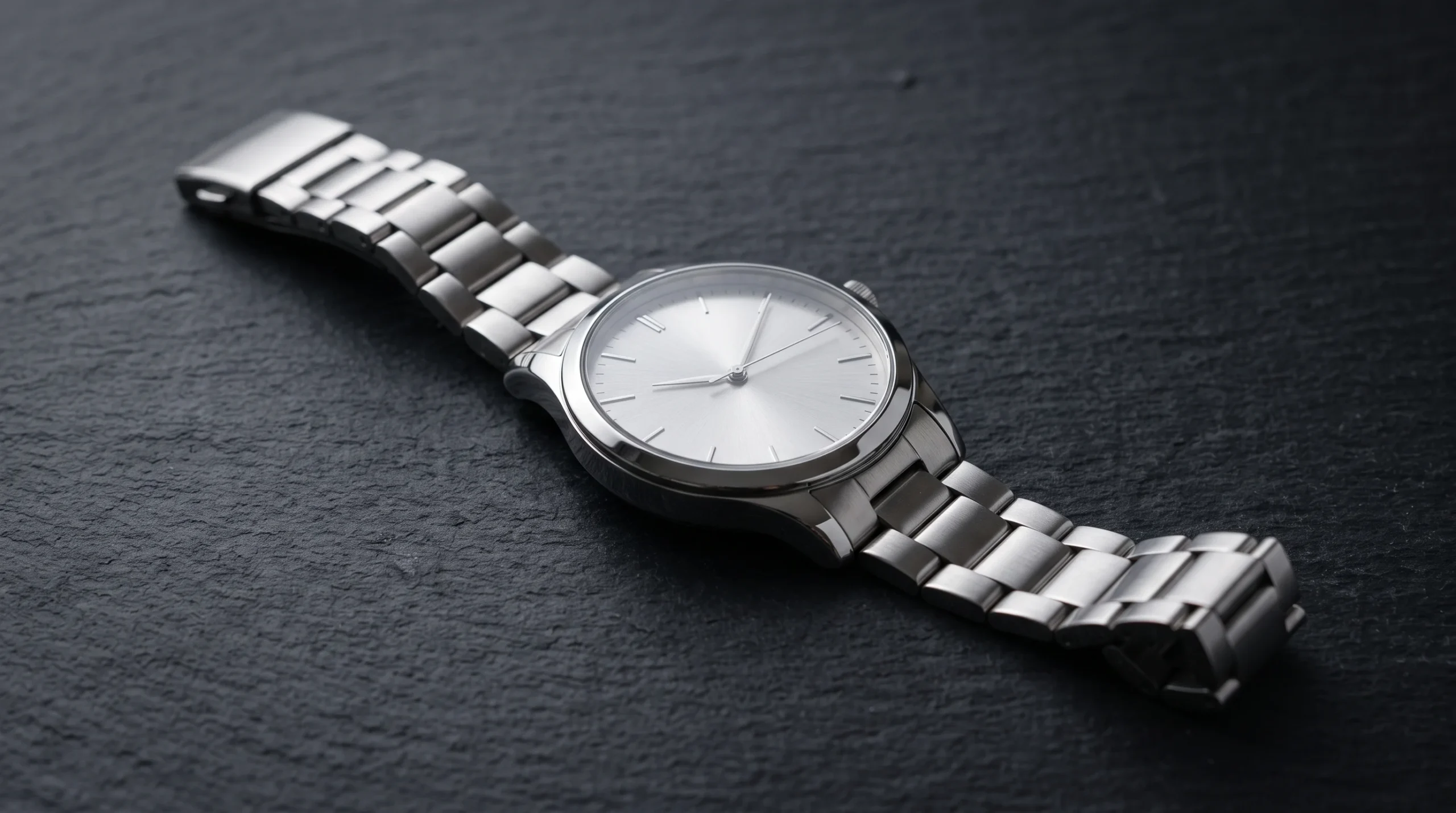

A reliable timepiece suddenly ticking to a halt is a common inconvenience, but it rarely means your watch is broken. In the vast majority of situations, a quartz movement simply needs a fresh power cell. While visiting a local jewelry shop is always an option, learning how to change a watch battery at home is straightforward, highly cost-effective, and surprisingly rewarding.
Before diving into the process, it helps to understand why your watch stopped. Most quality quartz movements feature an End-of-Life (EOL) indicator: if your second hand begins jumping every two or four seconds instead of making steady, single-second ticks, your battery is nearly depleted. Replacing it promptly is important because spent cells left inside a case can leak corrosive electrolyte over time, destroying delicate circuit tracks and gear teeth.
Whether your watch is a daily beater, an heirloom piece, or a sports chronograph, this comprehensive walkthrough explains how to complete a clean, professional-grade swap without scratching the metal finish or compromising the movement.
Essential Tools and Safety Gear for DIY Replacement
Attempting to pry open a case back with everyday kitchen utensils or pocket knives is the fastest way to ruin a polished case or cause personal injury. Having a dedicated watch repair kit on hand makes the task far safer and faster.

You will need:
-
A case back opener matched to your case style (a watch case knife, an adjustable Jaxa-style wrench, or precision jeweler screwdrivers)
-
Non-conductive plastic or ceramic tweezers (metal tweezers can bridge the positive and negative terminals and cause an immediate watch battery short circuit)
-
A microfiber cloth or soft work mat to protect the crystal from abrasions
-
Finger cots or clean latex/nitrile gloves to keep corrosive skin oils off the movement
-
Pure silicone grease for preserving the rubber gasket
-
A replacement battery matching the exact specifications of the original cell
Working on a tidy, well-lit surface free of dust, loose pet hair, and moisture is equally essential. Watch mechanisms are microscopic machines, and even a single stray speck of dirt caught inside a gear train can halt the stepper motor permanently.
Understanding Watch Battery Types and Chemistries
Selecting the correct cell involves more than matching physical size. Button cells rely on distinct chemical compositions engineered for specific power delivery profiles:

-
Silver Oxide (SR): The gold standard for modern analog quartz timepieces. They maintain a stable 1.55 volts throughout their entire operational life, which preserves accurate timekeeping until the cell drops off.
-
Lithium (CR): Typically rated at 3.0 volts and shaped like wider, flatter coins. These cells power digital watches, field tools with backlights, sensors, and smart functions that demand higher momentary power draws.
-
Alkaline (LR): While inexpensive, alkaline cells drop in voltage gradually as they discharge, which can cause watches to lose time. They also carry a higher risk of leakage as they expire, making them less ideal for valuable timepieces.
To simplify identifying the right cell code across different manufacturers, consult this quick reference table:
| Renata Code | Seiko / Sony / Murata | Energizer Code | Chemistry | Voltage | Typical Lifespan |
| 377 | SR626SW | 377 / 376 | Silver Oxide | 1.55V | 2 to 3 Years |
| 364 | SR621SW | 364 / 363 | Silver Oxide | 1.55V | 2 to 3 Years |
| 371 | SR920SW | 371 / 370 | Silver Oxide | 1.55V | 2 to 3 Years |
| 395 | SR927SW | 395 / 399 | Silver Oxide | 1.55V | 2 to 3 Years |
| CR2016 | CR2016 | CR2016 | Lithium | 3.0V | 3 to 5 Years |
| CR2032 | CR2032 | CR2032 | Lithium | 3.0V | 4 to 6 Years |
Step 1: Identify Your Watch Case Back Style
Understanding how to change a watch battery begins with identifying how your watch case seals shut. Manufacturers utilize three common configurations:
-
Snap-Off (Friction-Fit) Case Back: The back plate sits flush against the case body, held in place purely by friction. Looking closely around the perimeter reveals a microscopic notch or indentation where a dull pry blade can slip underneath.
-
Screw-Down (Threaded) Case Back: The perimeter of the case back features evenly spaced indentations (usually six notches). This style screws directly into the watch chassis and requires a two- or three-pronged wrench to twist loose.
-
Screwed-In Case Back: Four or more micro-screws secure the back cover directly to the case body. These are common on digital sports watches and shock-resistant models.
If your watch uses a closed metal bracelet, detach one side of the strap at the clasp using a spring-bar tool or fine pin. Laying the watch entirely flat on your mat gives you steady, unhindered access to the case back.
Step 2: How to Open the Case Safely
Once your case style is confirmed, proceed patiently to avoid slippage:
-
For Snap-Off Cases: Rest the watch face down on your padded cloth. Place the beveled edge of your case knife directly into the pry notch. Angle the blade slightly away from the watch body and apply firm, controlled leverage. The case lid will pop up cleanly. Never use excessive force, as a slipping blade can scratch the case or cut your hand.
-
For Screw-Down Cases: Adjust your case wrench pins so they settle precisely into opposing notches on the back. Apply firm downward pressure to prevent slipping, then rotate counter-clockwise. Once the back loosens, finish unscrewing it by hand.
-
For Screwed-In Cases: Select a precision screwdriver that matches the screw head exactly. Loosen each screw gradually in an alternating diagonal pattern to prevent cross-threading, then place the screws in a secure container so none roll away.
Step 3: Remove the Old Battery Safely
With the movement exposed, take a moment to survey the layout. In most contemporary quartz designs, a white or clear plastic movement spacer ring stabilizes the mechanism inside the case. Lift this ring out gently using your plastic tweezers, noting its exact orientation relative to the winding stem.
Next, locate the battery compartment:
-
If a spring-tension arm secures the cell, use a fine plastic pick to nudge the arm gently outward until the battery pops up on its own.
-
If a metal strap with a tiny screw holds the battery down, loosen the screw slightly until the strap swivels free. Do not remove the screw entirely, as rethreading it can be difficult.
-
Look closely for a thin, clear plastic film directly underneath or around the battery. This is an insulator tab that protects the underlying circuitry. Leave this film in place.
Use plastic tweezers to lift out the exhausted cell. If you want to know how to change a watch battery without destroying your replacement before it ever runs, remember this critical rule: never grasp a button battery with bare fingers or metal tweezers across its flat surfaces. Metal conducts electricity, shorting the battery in seconds, while finger oils leave residues that increase electrical resistance.
Step 4: Insert the New Battery and Perform an AC Reset
Unpack your new battery and double-check that the printed numbers match your cross-reference code.
Slide the battery into the recess at a slight angle, tucking it under any stationary retention tabs, with the positive terminal (the flat side marked with a plus sign and brand lettering) facing upward. Press it down with a plastic probe until the spring catch clicks into place.
If you are working on a multi-function digital watch, a quartz chronograph, or a Japanese movement with an intricate circuit board, the movement may not start immediately. These units often require an “All-Clear” (AC) reset to wake the microprocessor:
-
Locate the tiny contact hole labeled “AC” on the metal movement plate.
-
Using fine tweezers, place one tip into the AC contact pad and touch the other tip simultaneously to the positive surface of the battery for two to three seconds.
-
Turn the watch over briefly to verify that the digital display has initialized or the seconds hand is ticking normally.
Step 5: Inspect the Gasket to Preserve Water Resistance
A frequent mistake when learning how to change a watch battery is neglecting the rubber O-ring seal. The moment a watch case is opened, its factory water resistance is disrupted.
Examine the black rubber gasket seated along the rim of the case back or inside the case groove:
-
If the gasket appears cracked, flattened, brittle, or torn, replace it with a new O-ring of identical diameter and thickness.
-
If the gasket is intact and supple, coat it with a tiny dab of silicone grease. Applying silicone prevents the rubber from pinching or drying out and creates an airtight, moisture-resistant barrier when compressed.
-
Ensure the gasket sits completely flat in its groove before attempting to close the case. A pinched gasket ruins water resistance and prevents the back from shutting flush.
Step 6: Close the Case Back Correctly
Reinstall the plastic movement spacer ring, making sure its cutout aligns cleanly over the crown stem.
Closing the case requires the reverse of the opening procedure:
-
For Snap-Off Backs: Find the small clearance notch on the inner rim of the case back and align it directly over the winding stem. Press firmly with your thumbs on opposite sides of the case until you hear a solid click. If the back refuses to close under hand pressure, do not hammer it. Use an inexpensive crystal and case press equipped with nylon dies that apply uniform, distributed force without shattering the glass.
-
For Screw-Down Backs: Set the threaded back onto the case and turn it counter-clockwise by hand until you feel the threads seat neatly into place. Then, screw it down clockwise by hand before giving it a final, firm snug with your case wrench. Avoid over-torquing, which can strip the internal threads or slice through the gasket.
-
For Screwed-In Backs: Position the plate, start every screw by hand to avoid cross-threading, and tighten them down evenly in an alternating diagonal pattern.
Troubleshooting Common Issues After Battery Replacement
If your watch remains unresponsive after following the steps on how to change a watch battery, review these practical troubleshooting checks:
-
Check Battery Polarity: Confirm that the positive side is facing upward and that the insulating film beneath the battery was not dislodged during installation.
-
Examine the Terminal Contacts: Sometimes an old cell leaves invisible film or mild oxidation on the contact plate. Buff the contact gently using the tip of a wooden toothpick or an insulated swab moistened with a speck of rubbing alcohol, let it dry, and reinstall the cell.
-
Check for Hand Entanglement: If the watch was jarred, the second hand may be physically caught on the minute hand. Inspect the dial from the side to confirm the hands have clear clearance across each other.
-
Mechanical Gear Stiction: In older quartz watches that have sat unpowered for months, dried oils can cause the miniature gear train to bind. Pulling out the crown, spinning the hands forward twelve hours to rotate the gear teeth, pushing the crown back in, and gently tapping the case side often frees the mechanism.
When to Seek Professional Watch Service
While mastering how to change a watch battery empowers you to maintain everyday pieces independently, certain situations warrant visiting a professional watchmaker:
-
High-End Luxury Timepieces: Fine luxury brands often feature intricate movement clamps and highly polished gold or titanium cases that require manufacturer-specific bench keys to open without cosmetic damage.
-
Deep-Water Diving Watches: If you rely on your watch for scuba diving or serious water sports, replacing the battery at home breaks the tested water seal. A certified horologist has the equipment to perform wet and dry pressure testing up to full depth ratings after resealing.
-
Corroded Movements: If opening your watch reveals green corrosion, powdery white deposits, or rust stains from a severely degraded battery, the watch needs a chemical movement flush and professional gear overhaul rather than a simple cell swap.
For the vast majority of standard wristwatches, changing the battery at home takes less than fifteen minutes once you have the appropriate tools and technique. By handling the case back carefully, choosing quality silver-oxide cells, and keeping the rubber gasket properly conditioned, you can keep your watch collection ticking smoothly for years to come.
FAQs
What is the most common watch battery size?
The most widely used battery in standard three-hand analog quartz watches is the 377 cell (also designated as SR626SW). Other frequent sizes include the 364 (SR621SW) for slender dress models and the CR2032 or CR2016 for digital sports watches. Always check the stamped code on your existing battery before purchasing a replacement.
Can you change a watch battery without specialized tools?
While it is technically possible to pry open a snap-back using a razor blade or twist open a screw-back with a rubber ball, using improvised tools significantly increases the risk of scratching the case finish, gouging your fingers, or damaging internal coils. Inexpensive watch repair tools are widely available and well worth the small investment.
How long should a new watch battery last?
A fresh, high-quality silver-oxide battery typically lasts between two and three years in a standard three-hand analog timepiece. Models featuring complications such as alarms, chronographs, or active backlights consume power faster and usually require a new cell every twelve to eighteen months, especially if those extra features are operated regularly.